A static site is a good start on security. There is no database to inject into, no session to steal, no server code to exploit. The build turns into files, and a CDN serves them.
That is where most people stop, and it leaves a gap. The browser still decides how to treat those files, and it decides from the response headers. Out of the box most hosts send almost none, so the browser falls back on permissive defaults: any site may frame your pages, a file may be read as a type it was never declared as, and a first visit may start on plain HTTP.
Where the headers live
On a static site, headers are host configuration, not code. Netlify and Cloudflare Pages read a
_headers file from the build output (put it in public/ and Astro copies it over); Vercel takes a
headers block in vercel.json. Same values, different syntax.
The short list
/*
  Strict-Transport-Security: max-age=63072000; includeSubDomains
  X-Content-Type-Options: nosniff
  Referrer-Policy: strict-origin-when-cross-origin
  Permissions-Policy: camera=(), microphone=(), geolocation=()
  X-Frame-Options: DENY
  Content-Security-Policy-Report-Only: default-src 'self'; img-src 'self' data:; style-src 'self' 'unsafe-inline'; frame-ancestors 'none'; base-uri 'self'; form-action 'self'
What each line buys:
- Strict-Transport-Security tells the browser to use HTTPS only for this domain, for two years.
It closes the window where a first visit over plain HTTP could be intercepted and downgraded. Add
preloadonly once every subdomain serves HTTPS: the preload list is easy to join and slow to leave. - X-Content-Type-Options: nosniff stops the browser second-guessing the declared content type. Without it, a file served as one type can be interpreted as another, which is how an innocent-looking upload ends up running as script.
- Referrer-Policy sends other sites your origin only, never the full path and query string, which is where tokens and search terms tend to leak.
- Permissions-Policy switches off powerful browser APIs the site never uses. If a third-party script is ever compromised, it still can’t ask for the camera.
- X-Frame-Options: DENY and CSP’s
frame-ancestors 'none'stop other sites from framing yours, the setup behind clickjacking. The CSP directive is the modern one; the old header covers older browsers.
Content-Security-Policy, in report-only first
CSP is the strongest header on the list and the easiest to get wrong. It is an allowlist of where scripts, styles, images and connections may come from, so a policy that is too strict breaks the page in ways that only show up in production.
That is why the list ships it as Content-Security-Policy-Report-Only. The browser reports every
violation in the console and blocks nothing. Browse every page, fix or allow what shows up, and only
then rename the header to Content-Security-Policy to enforce it.
Two adjustments come up on almost every site. style-src needs 'unsafe-inline' as long as any
component sets a style attribute, and form-action must name wherever the contact form posts if
that isn’t your own origin. Analytics or fonts from another host get their own entries too.
Check it
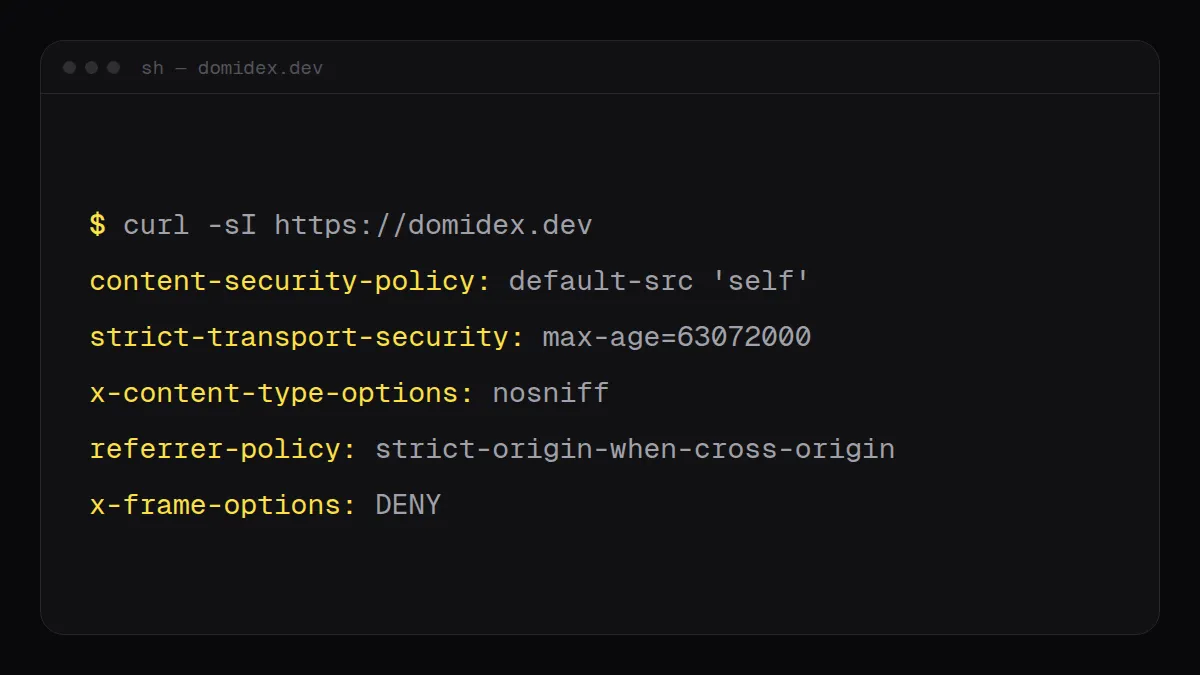
After a deploy, read the headers straight off the response:
curl -sI https://example.com/ | grep -iE "strict-transport|content-security|x-frame|referrer|permissions|nosniff"For a second opinion, Mozilla’s HTTP Observatory grades the same headers and explains anything it flags. It takes a minute, and it is the cheapest security review a site will ever get.